Step 1
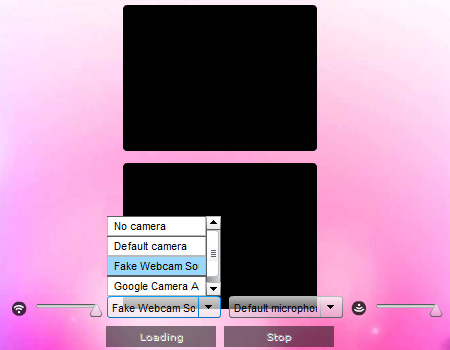
When the Adobe Flash Player Settings dialog appears, click the camera icon tab and select Fake Webcam Source from the dropdown.
Step 2
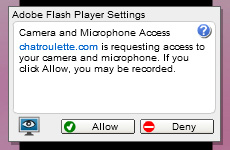
Click Close to confirm your selection.
Step 3
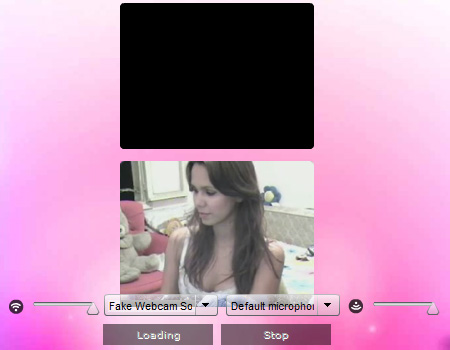
Chatroulette is now ready to use your Fake Webcam as the video source.
If Chatroulette blocks Fake Webcam by name, you can rename it during installation. See the renaming guide.