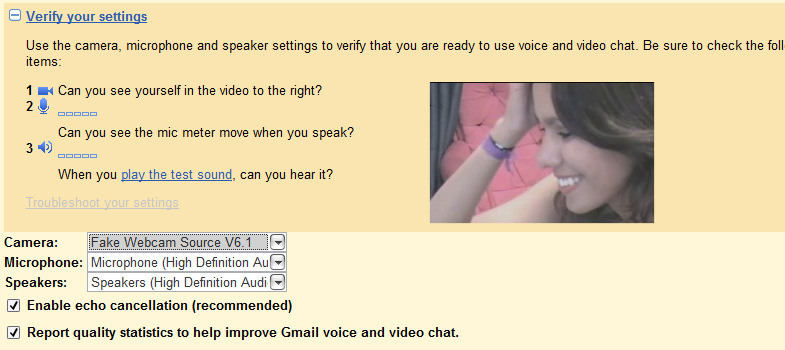
Step 1
Open Gmail and click Video and More → Google Talk Plugin video renderer or launch the Google Talk application directly.

Step 2
Click on Settings (gear icon).
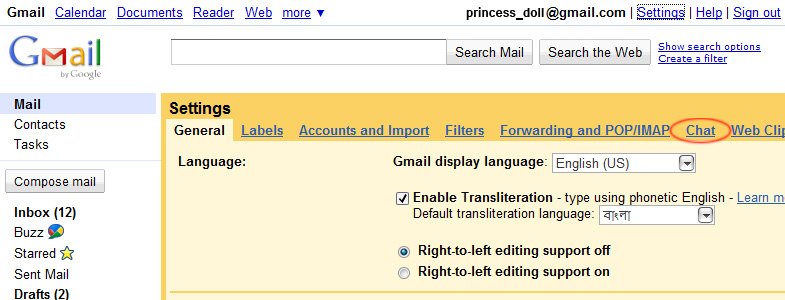
Step 3
From the Camera dropdown, select Fake Webcam Source.
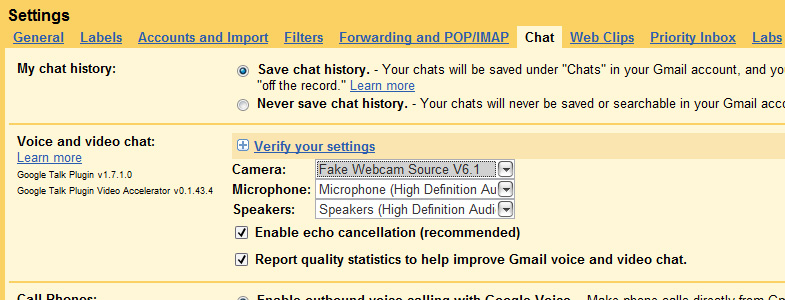
Step 4
Click OK to save. You can test your camera by clicking the camera icon in the settings.