Step 1
In AIM, click on Edit → Settings and navigate to the Video section.

Step 2
From the camera dropdown, select Fake Webcam Source.

Step 3
Click OK. Fake Webcam is now active in AIM video calls.
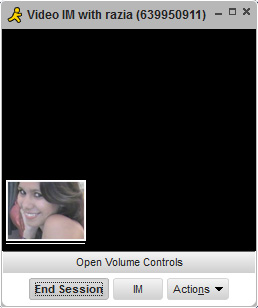
Configure Fake Webcam as your video source in AOL Instant Messenger.
In AIM, click on Edit → Settings and navigate to the Video section.
From the camera dropdown, select Fake Webcam Source.
Click OK. Fake Webcam is now active in AIM video calls.